

Key Takeaways
- The best sleep apps 2025 provide many benefits, from sleep optimization to sleep analytics.
- Data from sleep-tracking apps can help you understand how sleep habits impact metabolic health when paired with a glucose sensor.
- Apps can be used on your phone or paired with a smartwatch.
that {{mid-cta}}
Sleep tracking apps have evolved far beyond meditation or basic white noise. The best sleep apps 2025 combine data-driven tracking, personalized insights, generative soundscapes, and behavioral coaching to help you both fall asleep and improve your overall sleep quality.
Here are the best sleep apps this year, grouped by purpose and strength.
Top 9 Sleep Apps By Category

With so many sleep apps available, it’s hard to know which one to choose. As sleep apps have evolved, they’ve been designed to target specific concerns. We’ve broken them into categories, with the top picks for each. Most are available on Android and iPhone.
1. Smart Sleep Tracking & Analytics: SleepScore. This app uses your smartphone’s microphone to track and measure your breathing rate and movement, analyzing every stage of sleep. Based on your score, the app provides personalized recommendations to improve your sleep.
2. Behavioral & Circadian Coaching: BodyClock AI. This circadian rhythm app gives you insight into the best time to wind down and fall asleep to get enough restorative sleep. It also provides data on the best times for productivity, exercise, and eating.
3. Relaxation & Sleep Audio: BetterSleep. This sleep sound app has a large variety of sounds, including nature, bedtime stories, and white noise.
4. Generative Sound Environments: Endel. One of the best sleep apps of 2025, this generative sound app creates sounds that adapt in the moment. It takes various factors, such as heart rate, weather, and time of day, into account when developing sounds.
,
5. Soundscape Customization: Noisli. Relaxing sounds such as a washing machine, a waterfall, and a bonfire can be paired together on this app for a unique sleep aid.

6. Playful & Gamified Sleep: Pokémon Sleep. All you need to do is put your smartphone by your pillow, and the app will record and measure your sleep patterns. Longer sleep time is associated with a higher score in the morning. Your sleep will be put into three categories: dozing, snoozing, or slumbering.
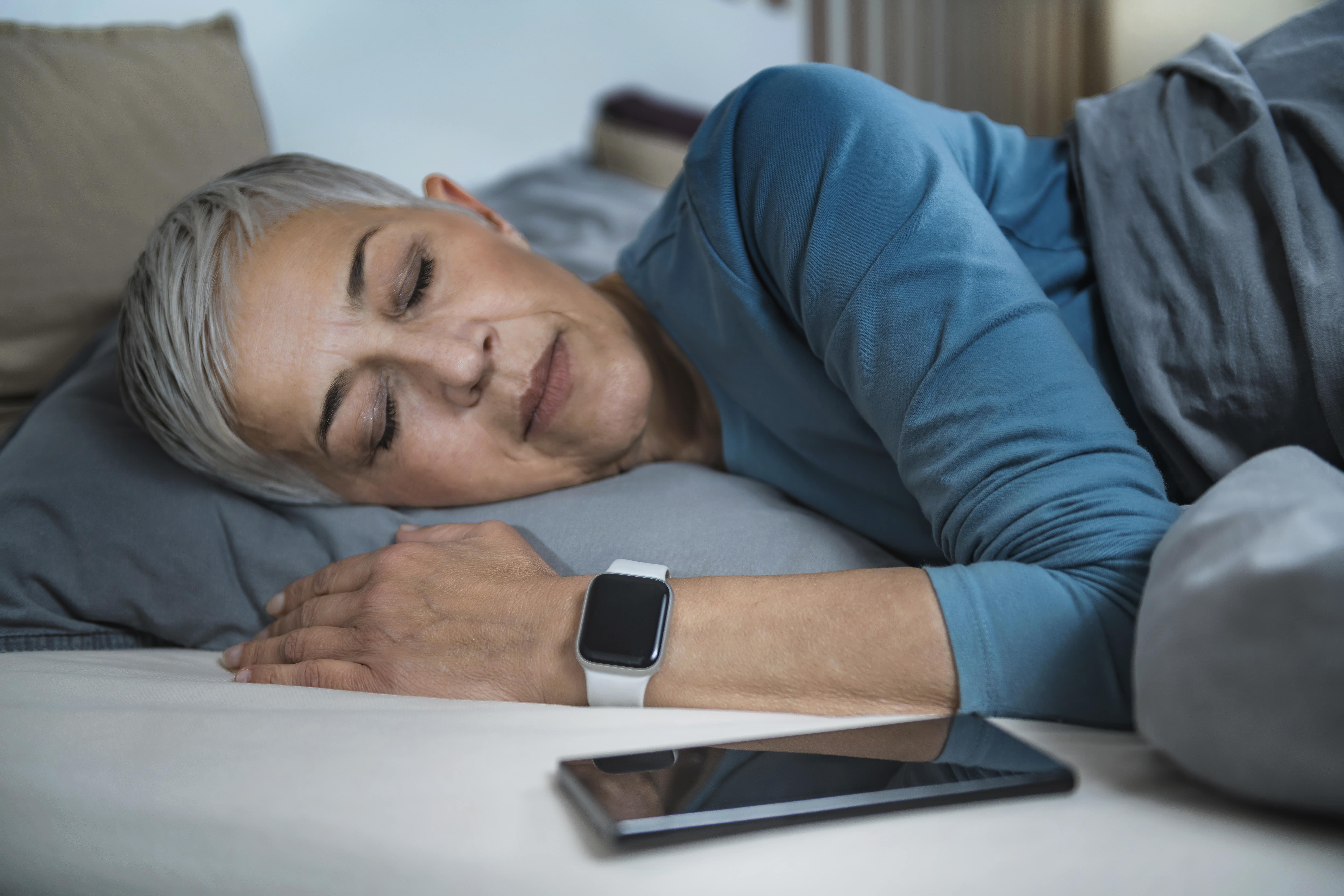
7. Sleep Tracking for Apple Watch: AutoSleep. Your Apple Watch can do a sleep analysis by tracking metrics such as time spent sleeping, sleep bank balance, quality of sleep, and vital signs like blood oxygen levels throughout the night.
8. Habit + Mental Wellness Tracker: Finch. As you complete tasks in your self-care routine, such as journaling, drinking water, or stretching, your pet bird earns rewards.
9. Sleep Reset Behavior (Free-Focused): Sleep Reset. This app helps retrain your brain by changing your sleep schedule, environment, and thoughts.
How to Choose the Right Sleep App for You
With so many sleep tracking apps available, it can feel overwhelming to decide which one(s) to use.
Based on what you are looking for, these are our suggestions:
- For data and analysis, pick Sleep Cycle, SleepScore, or Pillow.
- If you need help building a sleep routine, try Rise.
- If you struggle to quiet your mind, use Calm or Headspace for sleep meditations.
- For ambient sound or generative music, choose Endel or BetterSleep.
- If you want to gamify sleep goals, Pokémon Sleep may be a fun motivator.
- For long-term habit change, Finch supports well-rounded self-care.
Benefits of Using Sleep Apps (Backed by Research & Coaching)

Sleep tracking apps help increase self-awareness by providing insights into how long, how well, and when you sleep.
Tracking sleep can also help people manage their mental health. Rapid Eye Movement (REM) sleep is needed for emotional regulation and the development of adaptive stress responses. Sleep-tracking apps track sleep disruptions, helping people become aware of potential causes of mental health conditions.1
Apps that promote behavior change can help users build healthy bedtime routines and practice good sleep hygiene.
Insomnia is a common sleep-related concern. Meditation for sleep and cognitive behavioral therapy for insomnia (CBT-I) have both been shown to benefit the condition.2
Another benefit of using sleep tracking apps is the personalized sleep data they provide. You can easily identify patterns, such as late caffeine intake or late screen time, and make adjustments to improve your sleep.
Many apps can be synced with health platforms and wearables, such as the Apple Watch, to provide a more detailed picture of your sleep-related data.
How Signos Could Leverage These Apps to Understand Glucose-Sleep Interactions
.png)
Signos can amplify the value of sleep trackers by connecting sleep behaviors directly to next-day glucose patterns. By pairing a sleep app with continuous glucose data, members can tag nights, run structured experiments, and uncover how sleep quality, timing, and wind-down routines impact metabolic stability.
Key Signos Features That Enable This
- Context Logging: Tag nights with behaviors like “used Noisli,” “late bedtime,” or “meditated before sleep.”
- Latest Spike Time (LST): Compare how sleep quality shifts the timing of your last glucose spike.
- Glucose Variability Tracking: See whether poor sleep leads to more volatility or higher morning glucose.
- Weekly Insights Reports: Surface repeatable patterns between sleep quality and glucose response.
- Day-After Analysis: Review morning and post-meal glucose curves following different types of nights.
Sleep–Glucose Experiments to Try
- Wind-Down Experiment:
- Use a meditation or breathwork app for 3–5 nights before bed.
- Compare to nights without meditation.
- Data to observe: next-morning glucose, post-breakfast spike, and overall variability.
- Sound Environment Test
- Use a generative sound or white-noise app on alternating nights.
- Tag nights clearly in the app.
- Data to observe: overnight stability, morning baseline glucose, and LST.
- Consistency vs. Variability
- Stick to a consistent bedtime for one week.
- Follow a variable bedtime schedule the next week.
- Data to observe: glucose volatility the following day and timing of late-day spikes.
- Sleep Quality Comparison
- Compare nights labeled “good sleep” vs. “poor sleep” in your sleep tracker.
- Data to observe: LST shifts, number of glucose excursions, and recovery time after meals.
Turning Data Into Action
- Review patterns weekly using Signos’ insight reports.
- Identify which sleep behaviors lead to steadier glucose and earlier LST.
- Adjust bedtime routines, sound environments, or schedules to reinforce habits that improve both sleep quality and metabolic control.
In short, pairing sleep apps with Signos turns sleep from a passive metric into an actionable lever for better glucose stability and next-day energy.
The Bottom Line
The best sleep apps 2025 offer solutions for everyone, whether you want a sleep coaching app, smart alarm app, or insomnia app. The key is choosing one that meets your needs, and then using that data to understand how it affects your sleep and metabolic health.
Pairing a sleep app with glucose data (like that from Signos) can give you powerful insight into how your rest affects your energy, recovery, and overall health.
Learn More With Signos’ Expert Advice
Signos can help you improve your health through continuous glucose sensing, food logging, and support from registered dietitians. Learn more about how glucose levels impact health on Signos’ blog.
Topics discussed in this article:
References
- Mathunjwa, B. M., Kor, R. Y. J., Ngarnkuekool, W., & Hsu, Y. L. (2025). A comprehensive review of home sleep monitoring technologies: Smartphone apps, smartwatches, and smart mattresses. Sensors (Basel, Switzerland), 25(6), 1771. https://doi.org/10.3390/s25061771
- Chan, N. Y., Chan, J. W. Y., Li, S. X., & Wing, Y. K. (2021). Non-pharmacological approaches for management of insomnia. Neurotherapeutics: the journal of the American Society for Experimental NeuroTherapeutics, 18(1), 32–43. https://doi.org/10.1007/s13311-021-01029-2

.svg)



.jpg)
.png)


.webp)
.svg)
.svg)
.svg)
.svg)
.svg)
.svg)
.svg)
